
Docker has been a great tool in helping me manage a couple of self-hosted services on my privateserver. Over the course of years, I’ve switched from using Docker Swarm to Docker Compose.
In the early days, Docker Compose v1 was a Python script we downloaded separately but Docker Compose v2 is now written in Go and comes built-in with the official Docker installation.
Once every week (usually during weekends) I update my services, purge older Docker images and do pending house keeping tasks on my server. From the past few weeks, whenever I purge older Docker images and try to downloaded newer ones using 👇
docker compose pullWhich downloads missing images defined in docker-compose.yml, I get the following error 👇
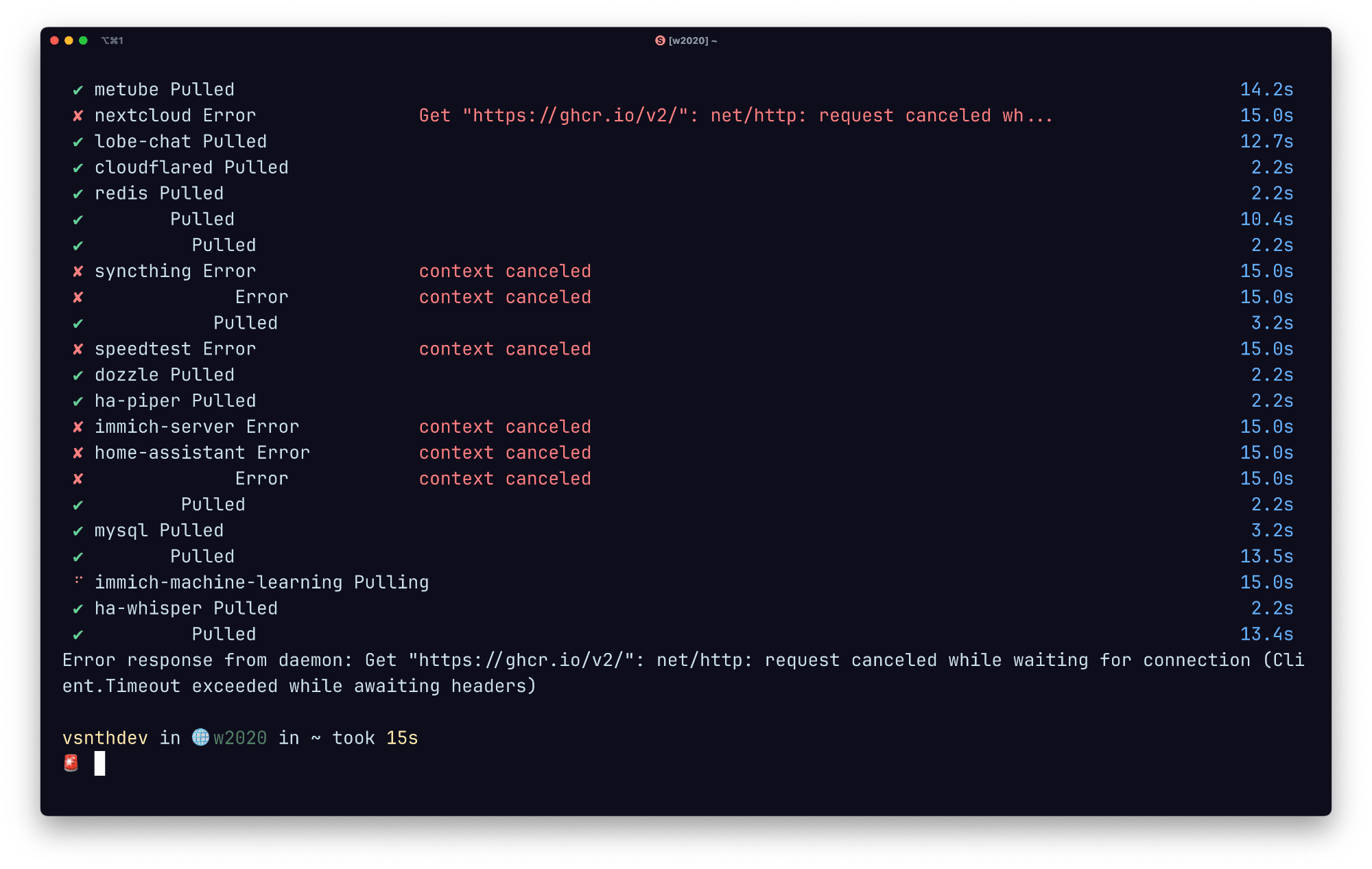
Upon doing some research it turns out this is a network error from ghcr.io (GitHub Container Registry). Interestingly from the last 1 year, we didn’t change a single thing in our home network.
Initially I thought it was my ISP, but two things factored that it’s not an ISP issue:
- It doesn’t fail every time, different images fail on every invocation.
- Running the same command on my laptop on the same network works perfectly.
So it has to be either Docker Compose, or ghcr.io that’s not working as expected.
The Workaround
Below is the command I came up with, that reads the docker-compose.yml and does some BASH wizardry 🪄 to get a list of all images that need to be pulled 👇
/usr/bin/cat ./docker-compose.yml | grep 'image:' | sed 's/image://g' | tr -d ' ' | xargs -I {} docker pull {}Note: Remember to replace ./docker-compose.yml to the path of where your docker-compose.yml exists, in case you’re not running this command from the same directory.
Running this command pulls all images specified in the docker-compose.yml file, so now we can directly start the services using docker compose up essentially skipping to pull images through Docker Compose.
After using this command for a month, I feel like doing docker pull [image] is more reliable than doing docker compose pull.
Thank you 😊